M1 Front pageMemory-led home
B3 / UIkit
Make the story the welcome.
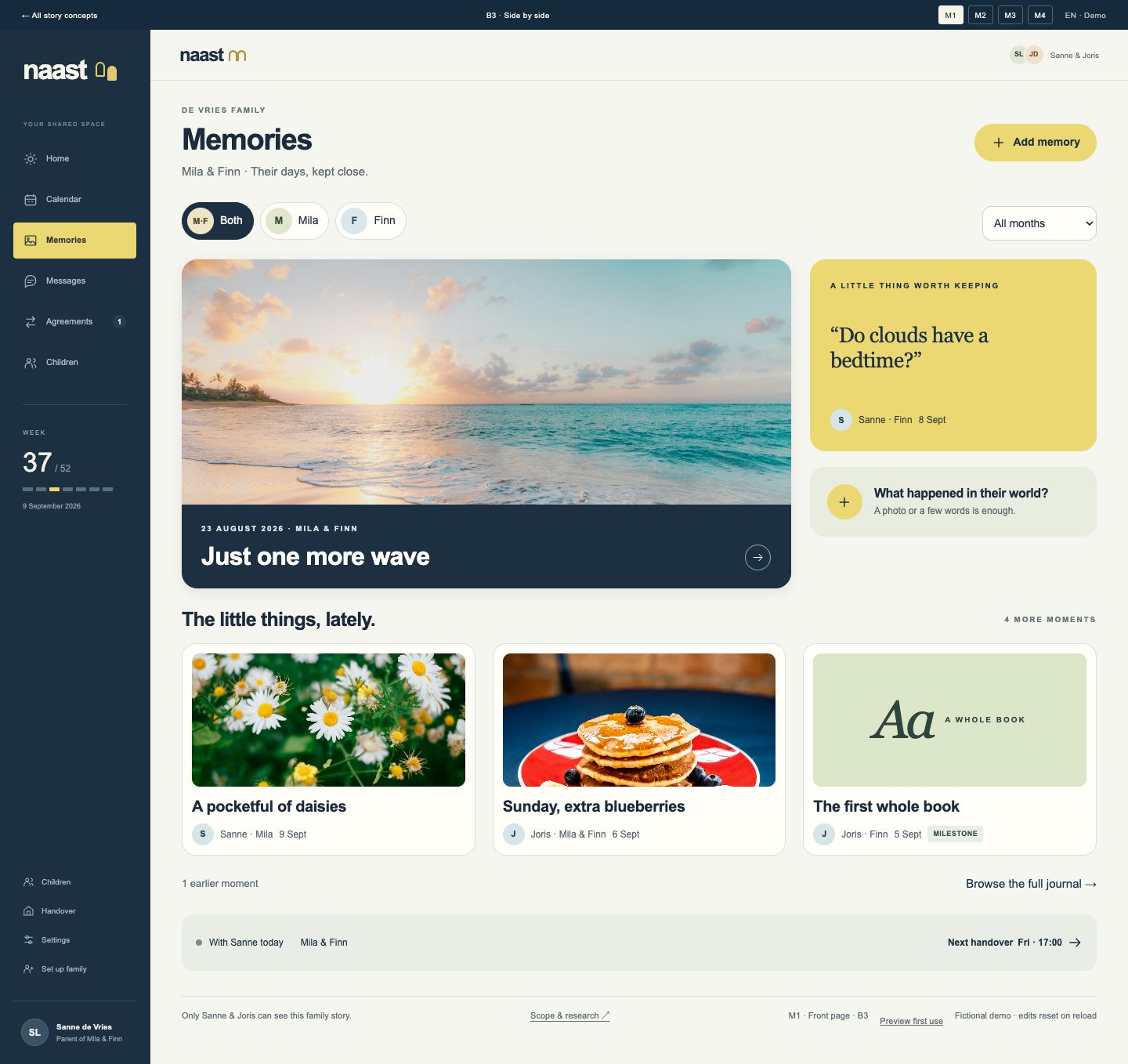
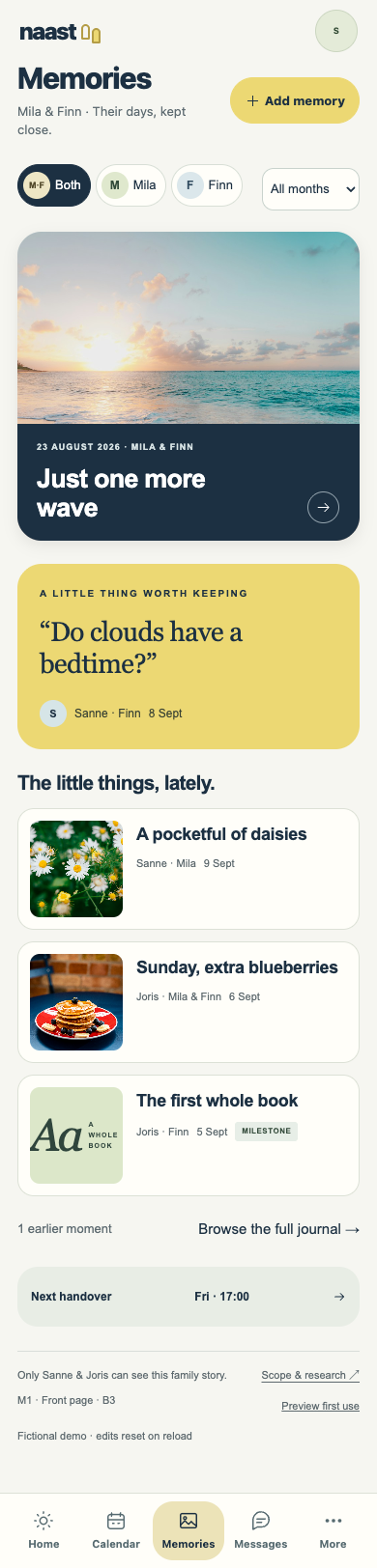
A family front page with one big photograph, a remembered sentence and a contact sheet of little moments.
What would you open first: the story or the plan?
B3 SELECTED · SIDE BY SIDE
The practical plan brings you here.
The little moments give you a reason to stay.
Four B3 memory experiences, designed as phone app screens. M3 is Dani’s current favourite; the shared choice is still open. Start with the children, add a memory and revisit their story. Planning and requests stay close.
Open the children’s home →B3 / UIkit
A family front page with one big photograph, a remembered sentence and a contact sheet of little moments.
What would you open first: the story or the plan?
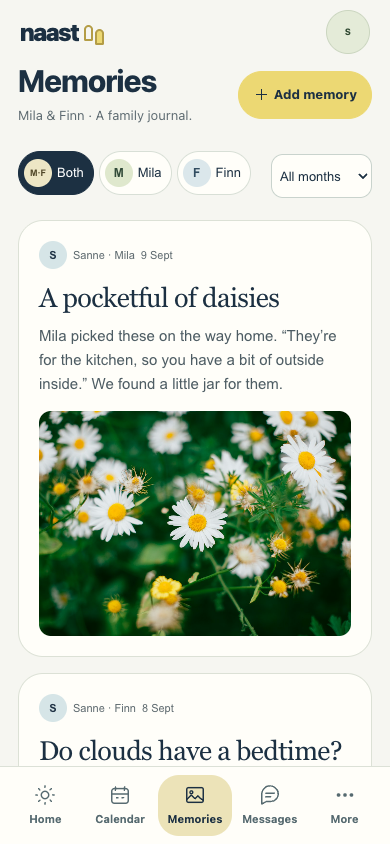
B3 / Tabler
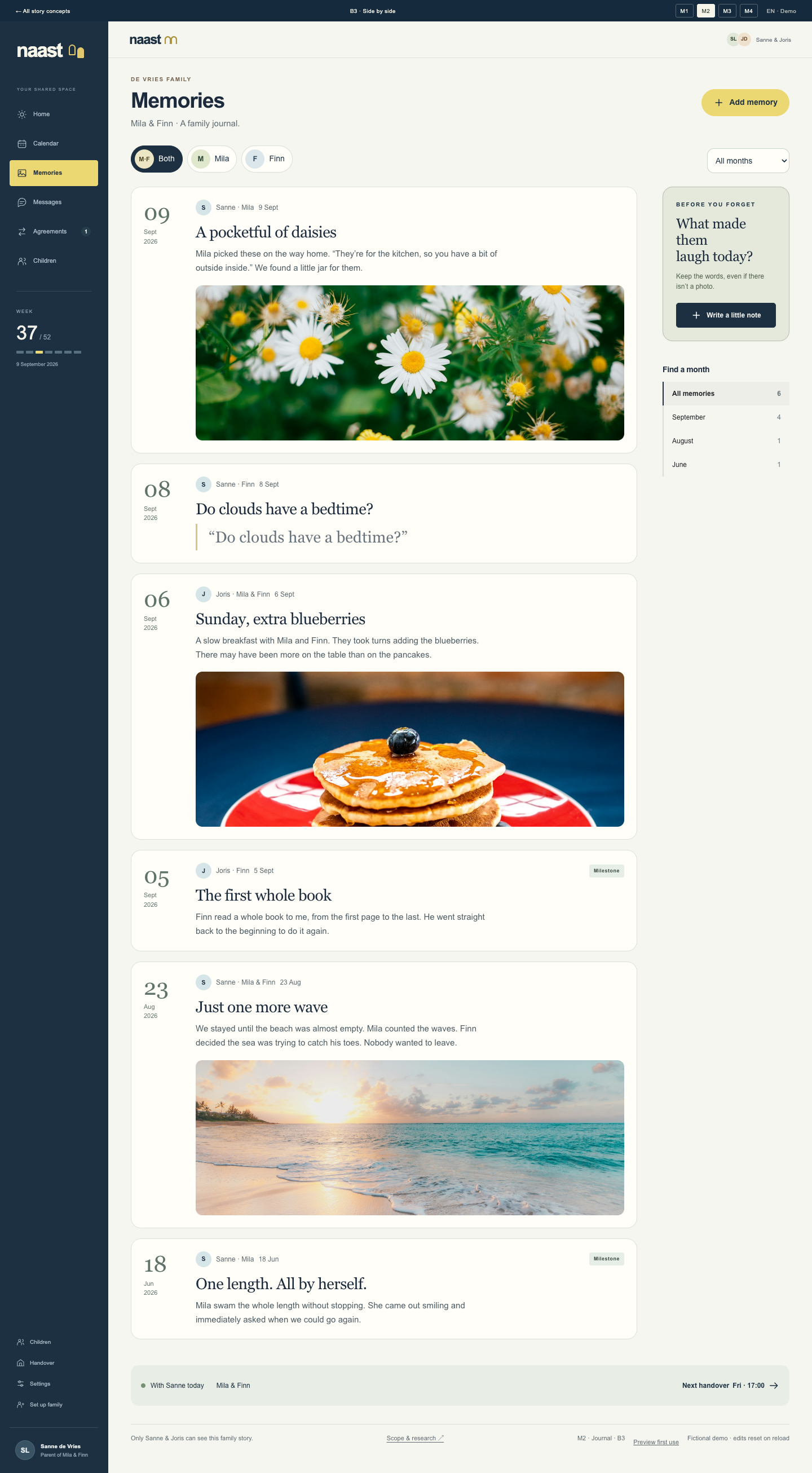
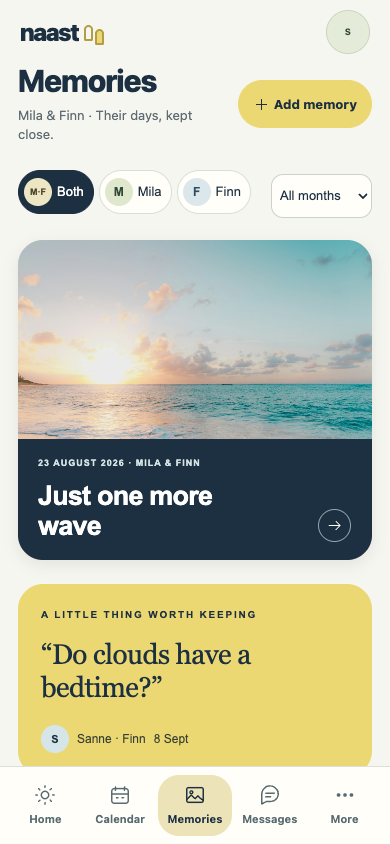
A dated journal with photographs and words together. Easy to add to, and easy to find your way back through.
Does this feel inviting enough to keep adding to?
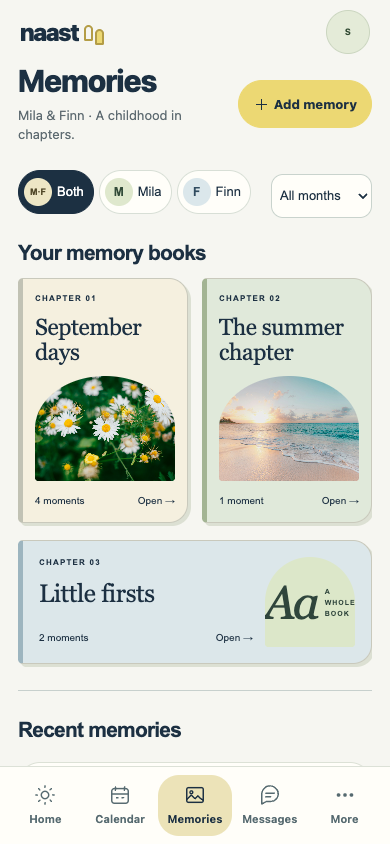
B3 / Spectre.css
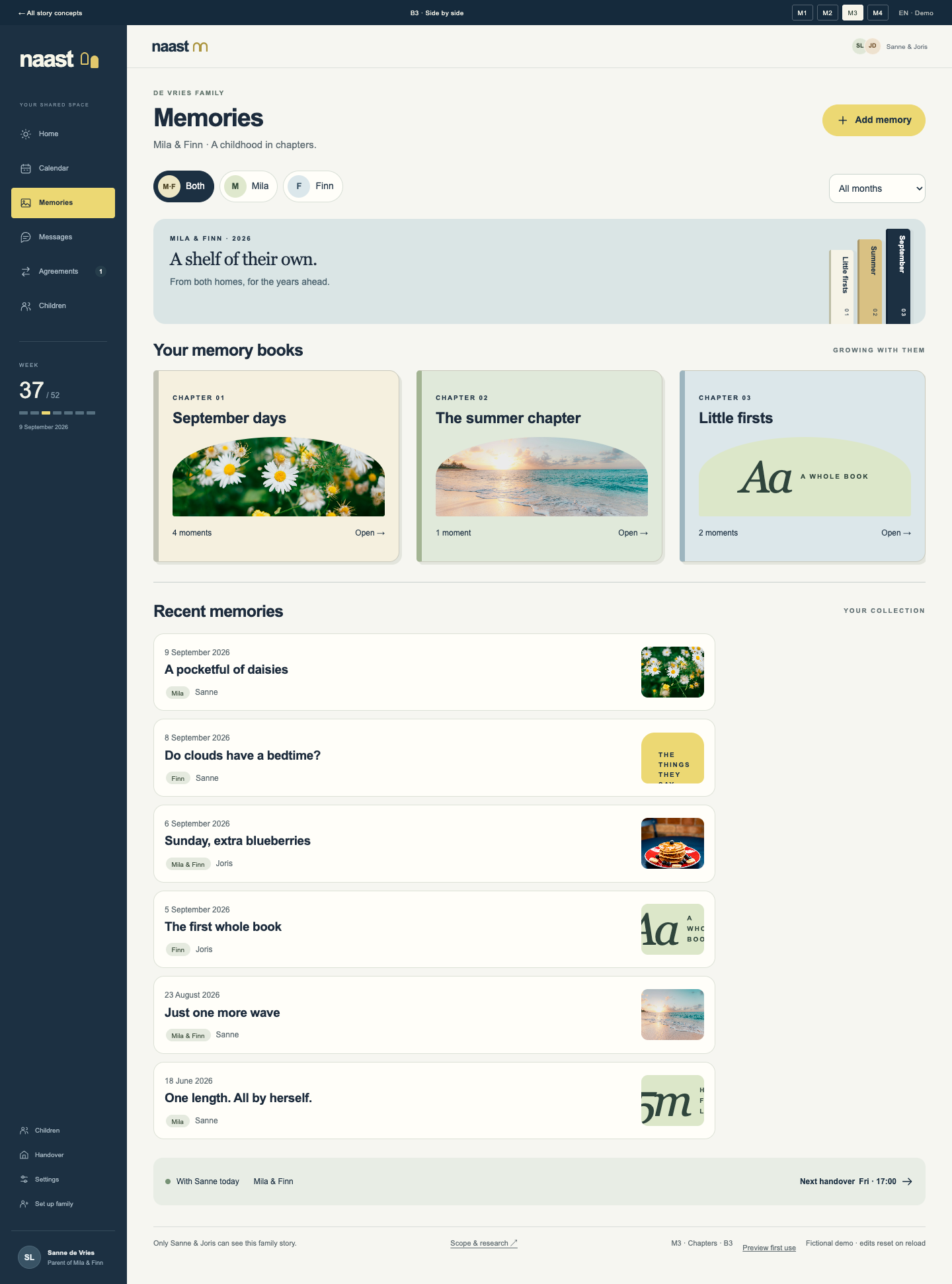
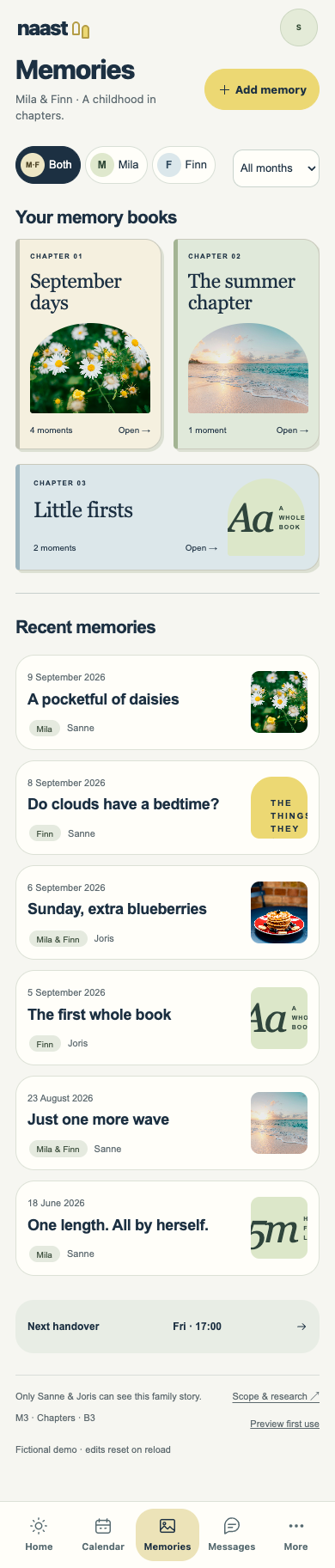
Months become chapters. Milestones have their own place. A visible collection that feels more valuable as it grows.
Does the shelf make their history feel worth keeping?
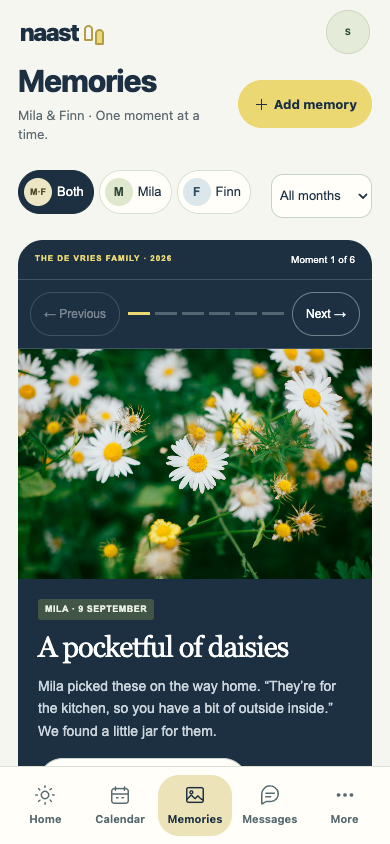
B3 / UIkit
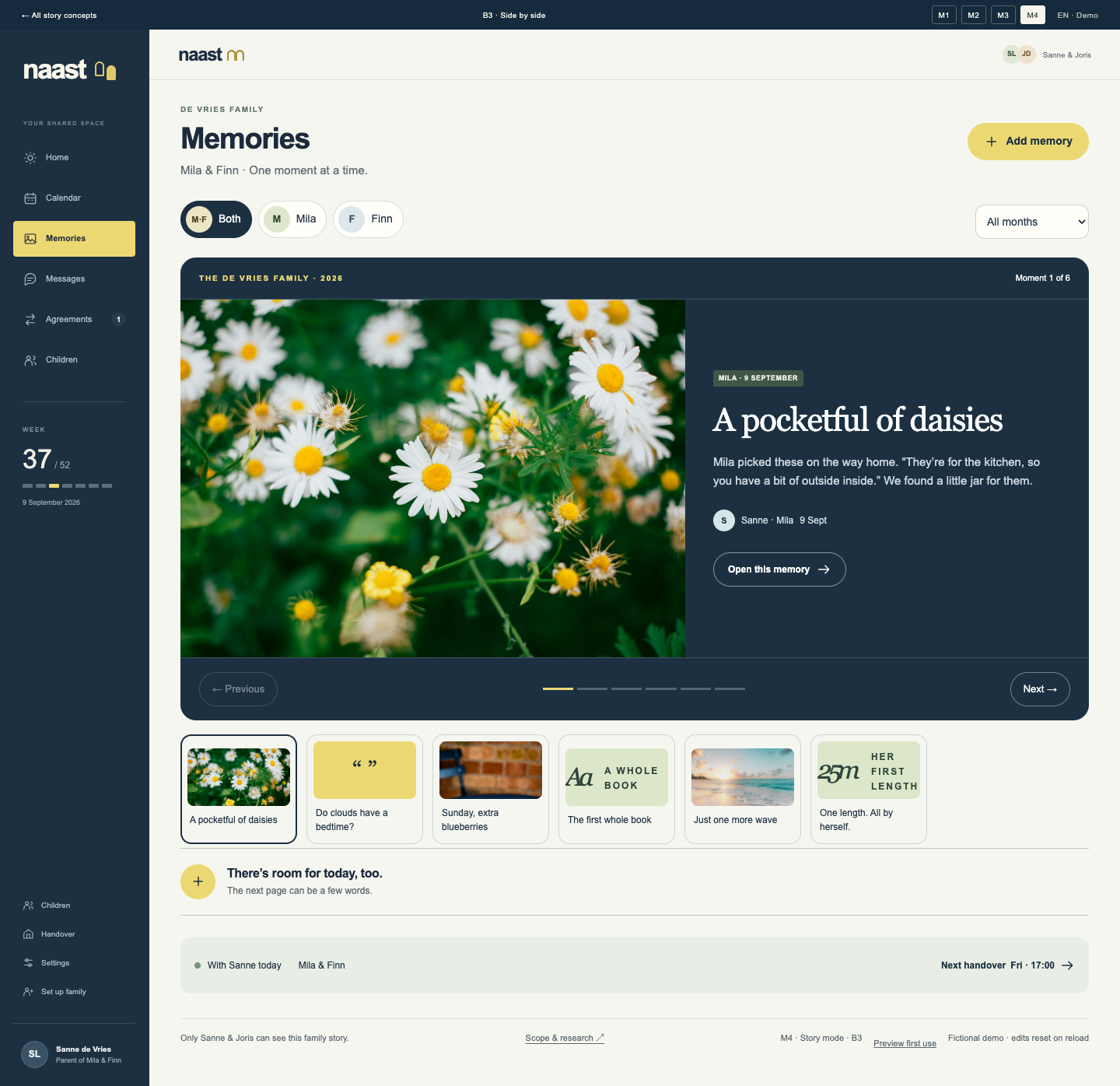
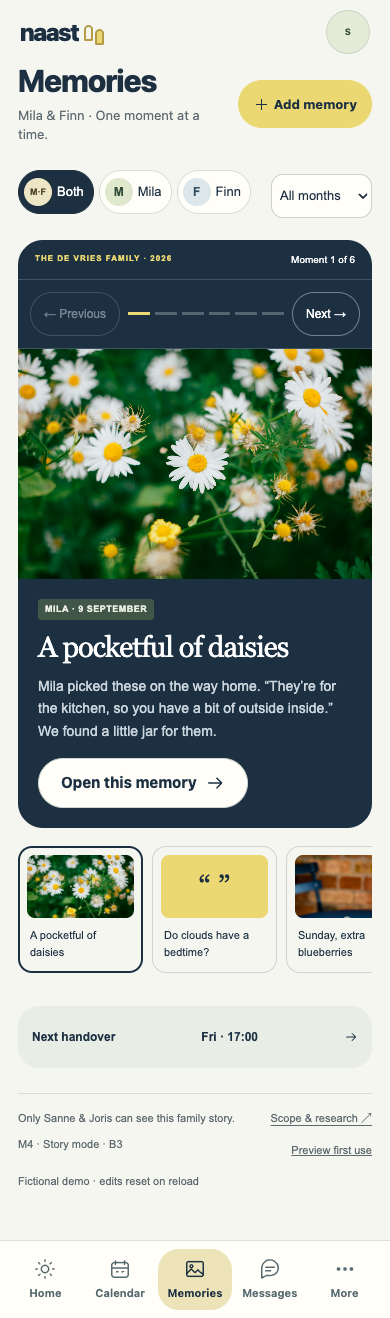
One moment at a time, with generous photographs and room for the story behind them. You set the pace.
Would you come back to see the moments you missed?
ONE PRODUCT, A FEW GOOD QUESTIONS
These are alternative presentations of the same memory feature. We don’t need to build four separate systems.
THE CHOSEN FOUNDATION
The practical parts stay close. Memories sit at the heart of Home, with planning and handovers close by.